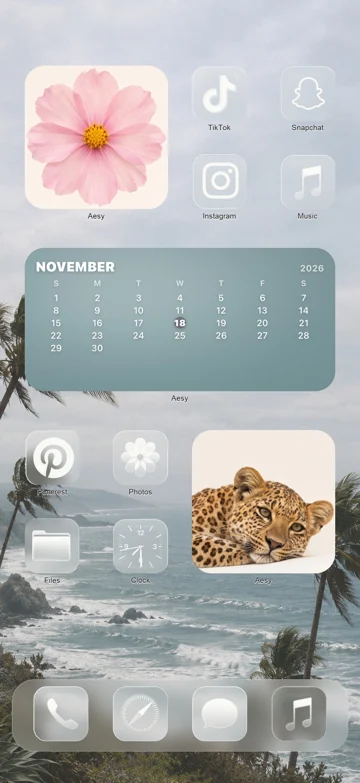
 View theme
Your Home Screen. Your kind of beautiful.
Make your iPhone
feel like you.
Discover coordinated wallpapers and widgets for iPhone’s built-in Clear and Tinted looks. Your apps still open directly from their original icons.
Explore themesComing soon on the App Store
 Wallpapers, widgets & a look that feels like you.
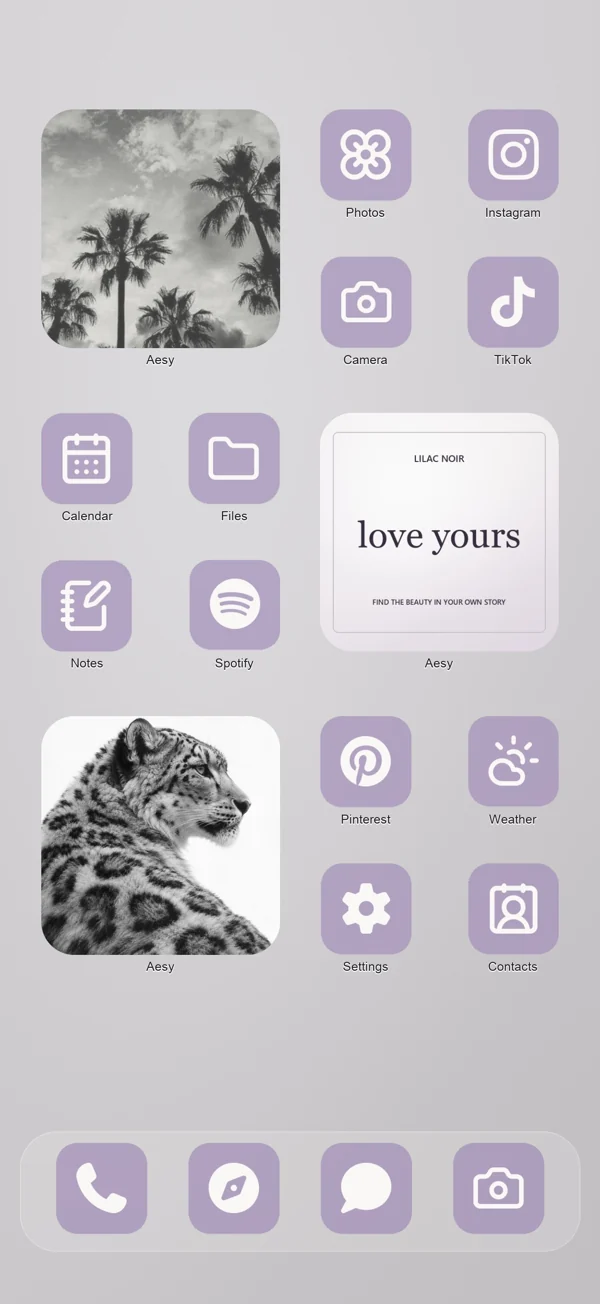
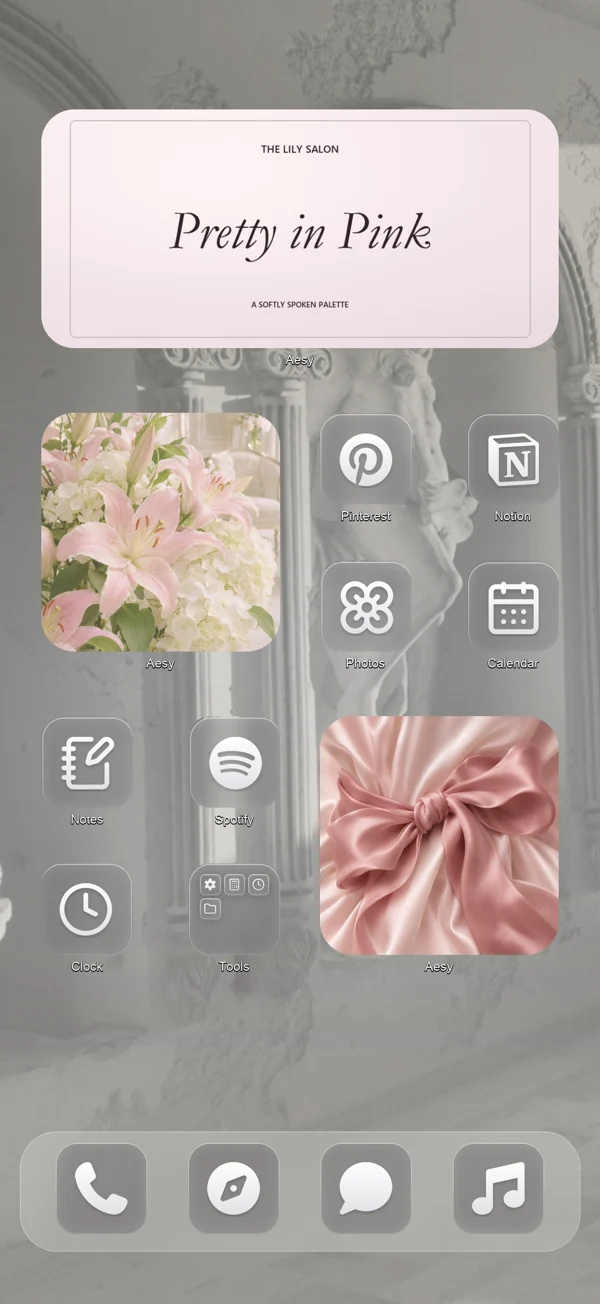
A few favorites to fall for
Find your next Home Screen
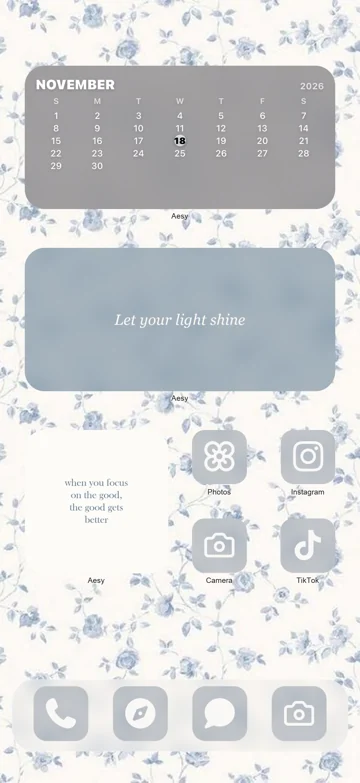
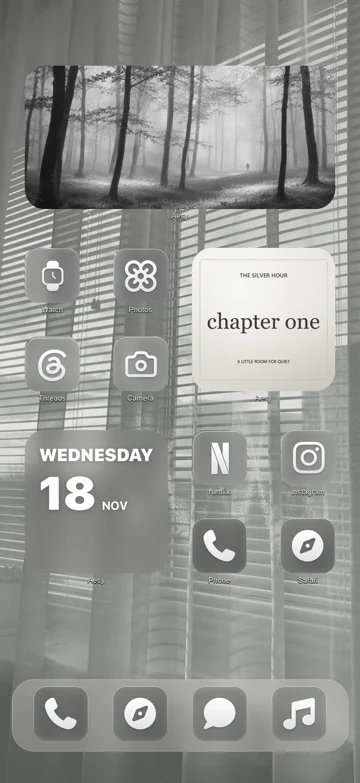
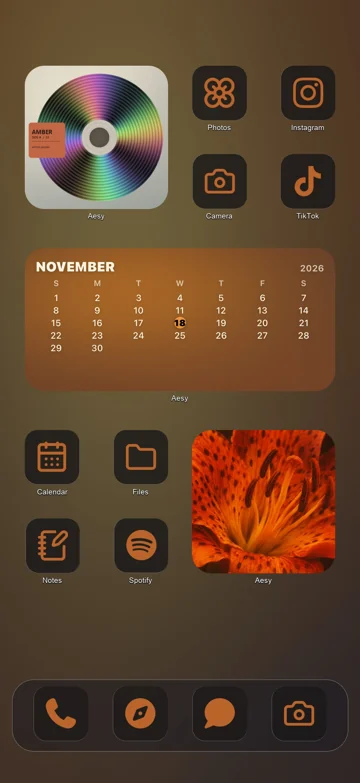
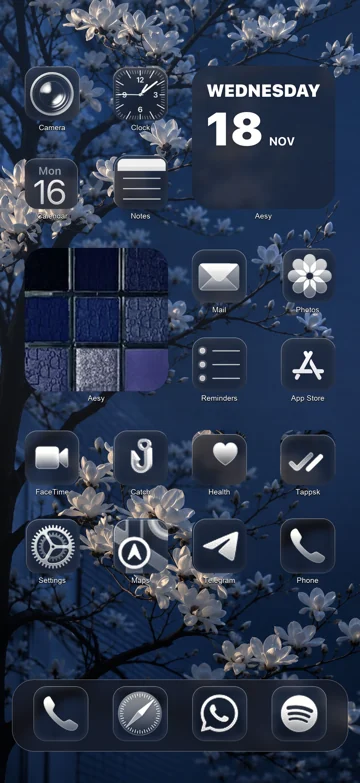
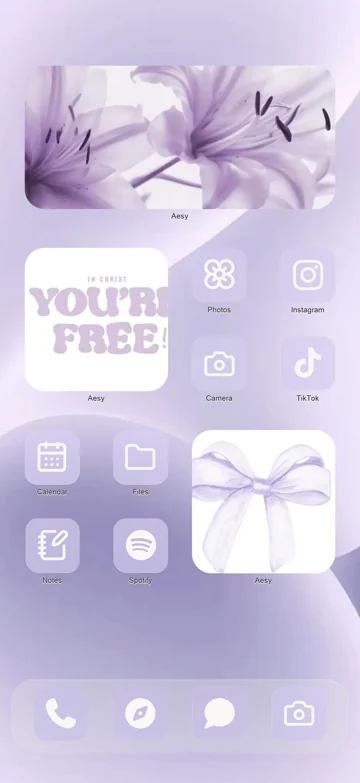
The Aesy way
New look.
Same familiar iPhone.
Keep your original app icons.
No Shortcuts needed for Clear or Tinted.
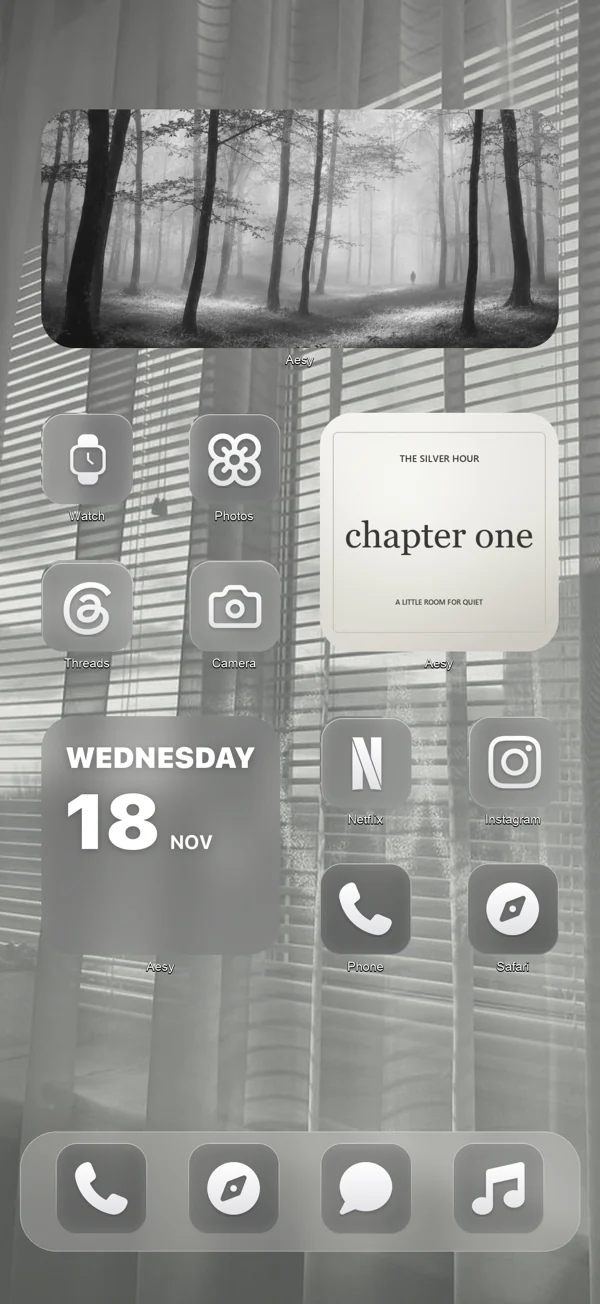
Choose your look in iPhone settings, with a little guidance from Aesy.
Appearance can vary with your wallpaper, settings, and iOS version.
Make yourself at home
A little guidance.
A look you’ll love.
Pick a theme
Find the colors, textures, and little details that feel like you.
Follow the in-app guide
Set your wallpaper, choose your appearance, and add your widgets.
Enjoy your Home Screen
Your favorite apps, right where they belong. With a fresh point of view.
A fresh little start
Let your Home Screen
feel like home.
Find your themeComing soon on the App Store